Baby sleep & feeding tracker
Better naps start with
knowing when to rest.
Tiny Rest helps you log sleep and feeding, track wake windows, and see when your little one is likely ready for their next nap — so bedtime feels less like guesswork and more like a gentle rhythm you can trust.
Next Nap
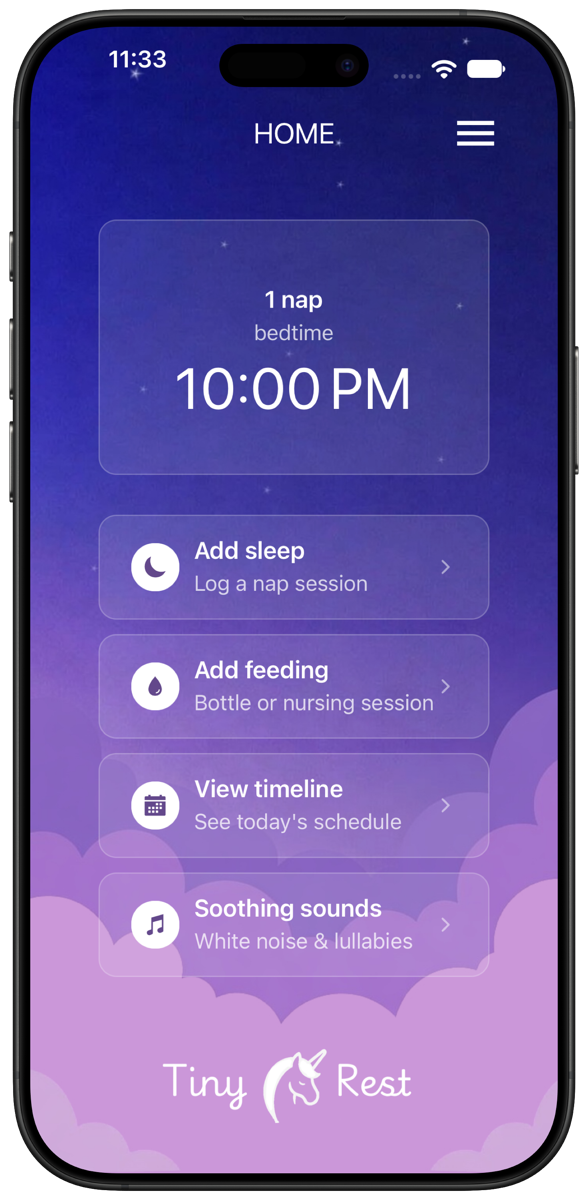
Know when the next nap is coming
The home screen tells you how many naps are left today and when your little one will likely be ready for the next one — or for bedtime — based on their recent sleep.
- Next nap or bedtime prediction
- Naps left for the day at a glance
- Add sleep, feeding, timeline and sounds one tap away
Sleep Timer
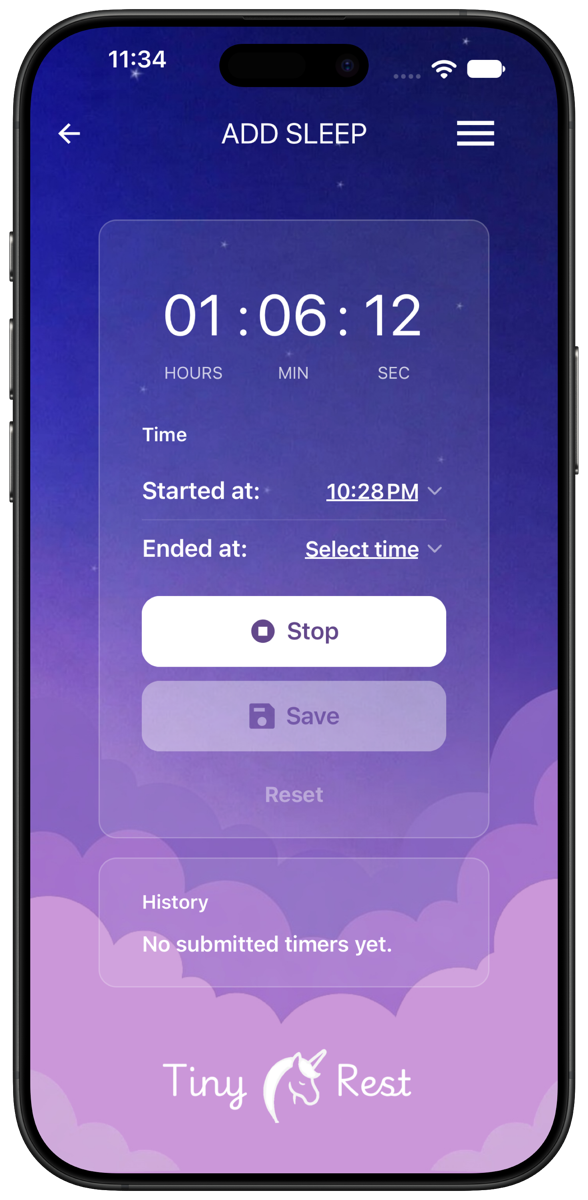
Log every nap in seconds
Start the timer when your baby falls asleep and stop it when they wake up. Forgot to tap start? Set the start and end times by hand and save the session.
- One-tap start and stop
- Edit start and end times
- Recent sessions listed in history
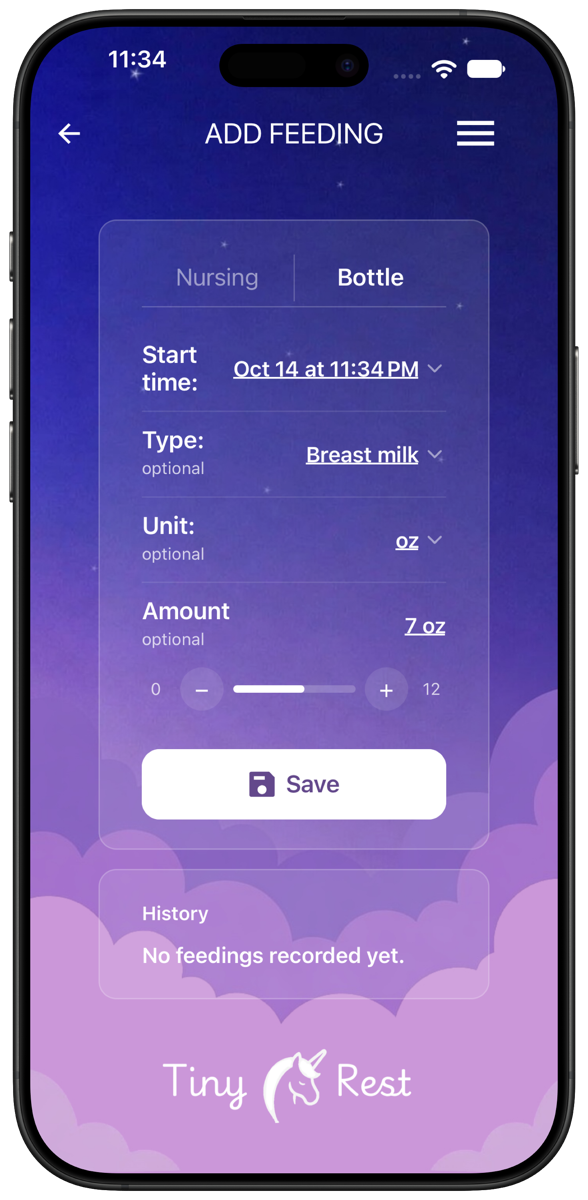
Feeding
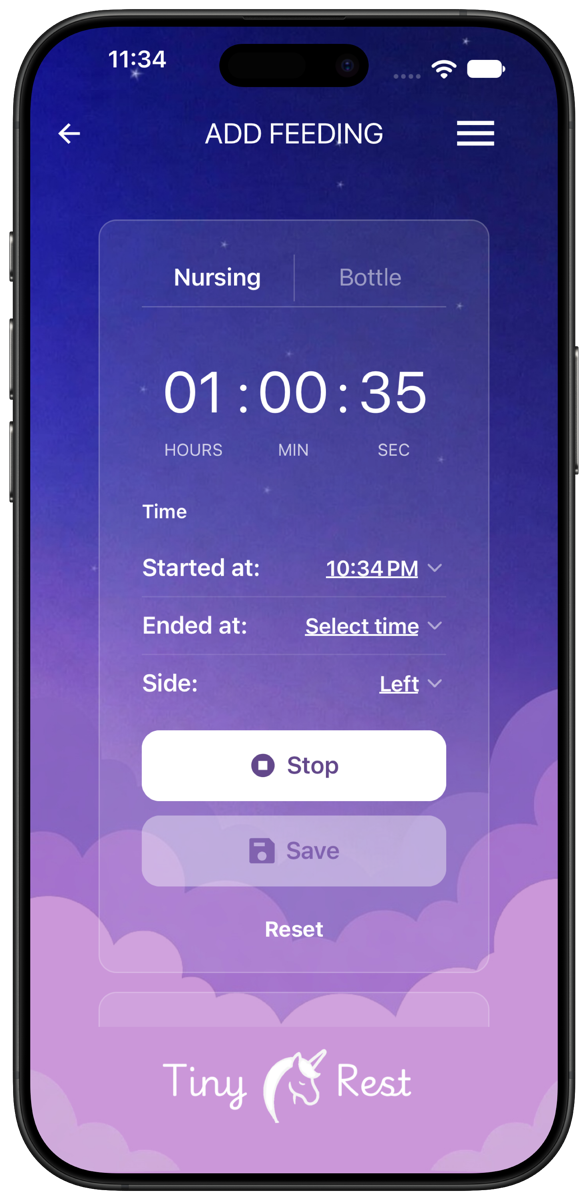
Nursing and bottles, side by side with sleep
Time nursing sessions and note which side, or log a bottle with the type of milk and the amount. Feeds sit right next to naps so hunger and tiredness stay connected.
- Nursing timer with left or right side
- Bottle type, unit and amount
- Feeding history in one list
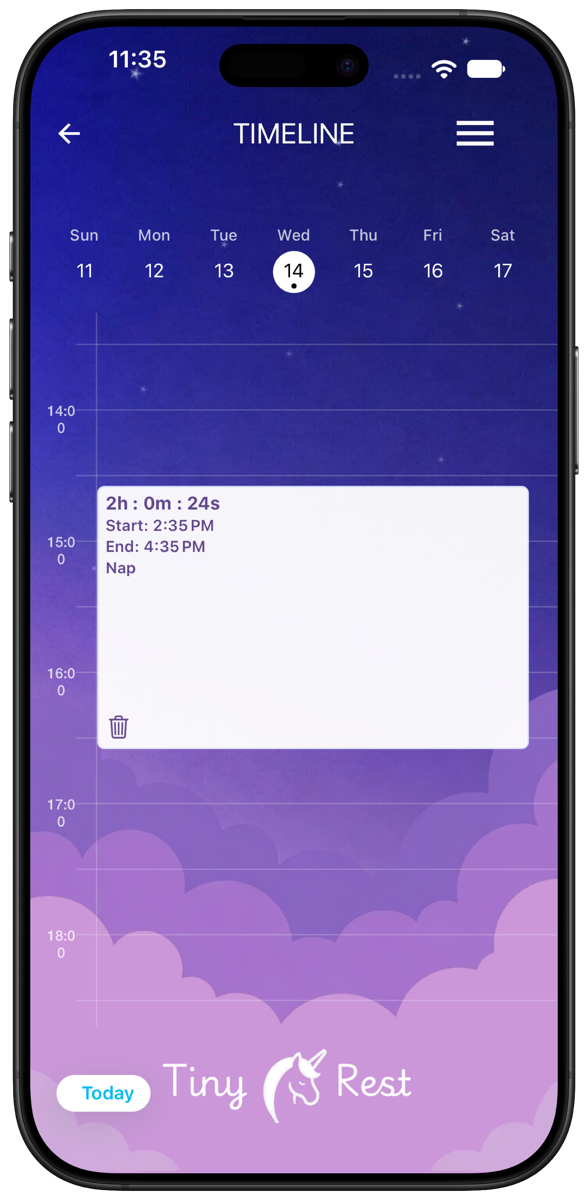
Timeline
See the whole day at a glance
Every nap and feed lands on a daily timeline. Pick any day of the week to see how it went and compare it with today.
- Hour-by-hour view of each day
- Jump to any day of the week
- Remove an entry with one tap
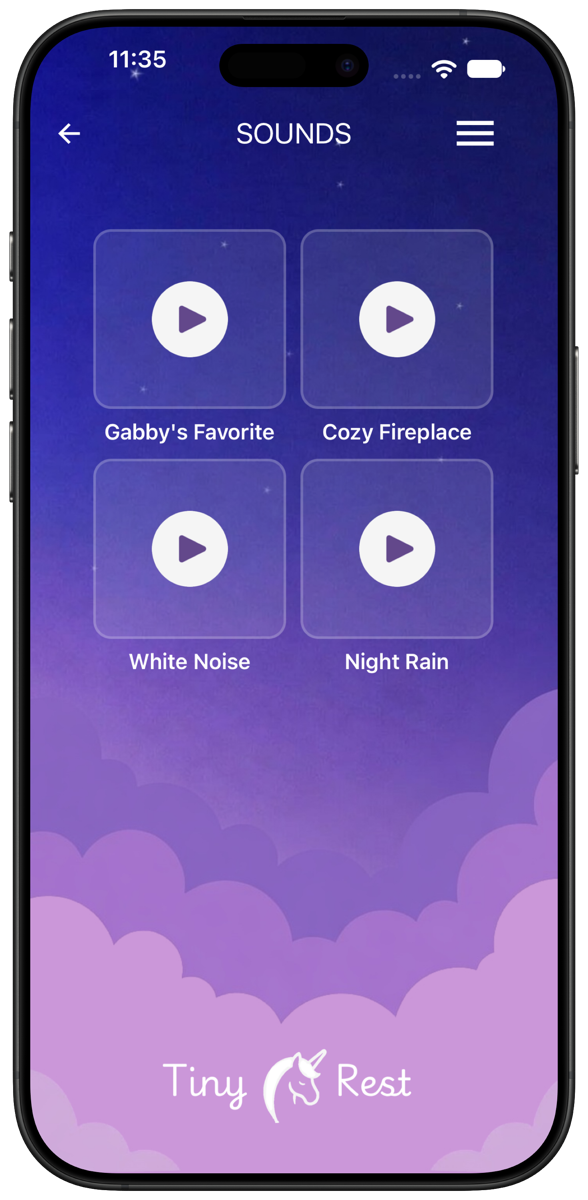
Soothing Sounds
Calm sounds for nap time and bedtime
Help your baby wind down with soothing sounds built right into the app — Gabby's Favorite, Cozy Fireplace, White Noise and Night Rain.
- Four soothing sounds built in
- Simple, one-tap playback
- No extra app needed
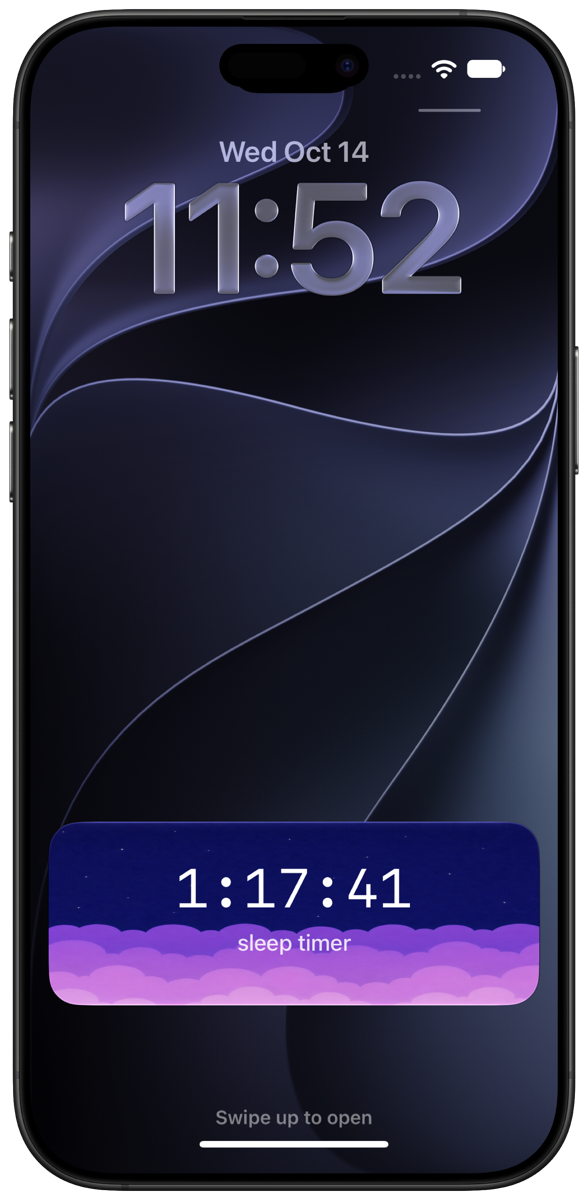
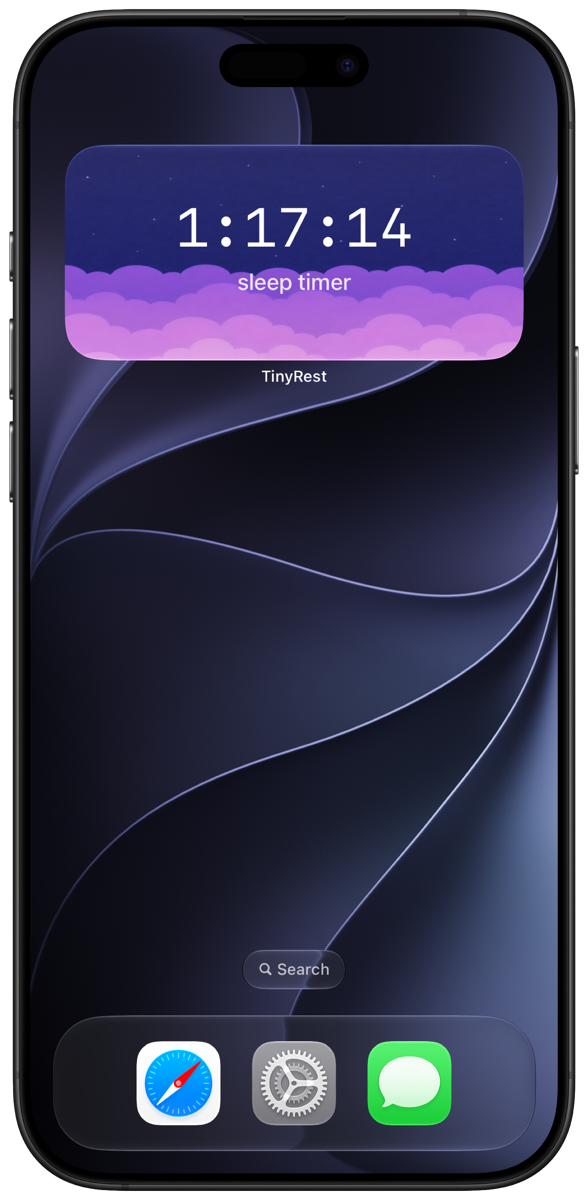
Lock Screen & Widget
The nap timer, right where you look
A running sleep timer shows up on your Lock Screen, and the Tiny Rest widget keeps it on your Home Screen — check how long your baby has been asleep without opening the app.
- Live sleep timer on the Lock Screen
- Home Screen widget
- Matches the Tiny Rest look
Calmer days start with better rest
Download Tiny Rest and take the guesswork out of nap time.